Why Franchises Should Use Video Courses to Onboard New Franchisees
A franchisee should be able to move forward when they are ready to learn. If every introduction, software demonstration, and marketing explanation requires another calendar invitation, onboarding becomes a waiting room. Your support team repeats the basics while the new owner waits for the next available meeting.
Video courses give franchises a practical way to deliver those repeatable lessons on demand. They can save trainer time, reduce avoidable scheduling delays, and create a more consistent starting point across locations. The strongest approach combines recorded instruction with assignments, feedback, and focused live support. The goal is a prepared operator, not simply a completed playlist.
Why video courses belong in franchisee onboarding
A franchise sells access to an operating system, but a manual alone does not show a new owner how to use it. A video can demonstrate the customer conversation, walk through a reporting screen, or explain how corporate and local marketing responsibilities fit together. The franchisee can pause, repeat a difficult section, and return when the task becomes relevant.
There is an established place for online learning in franchising. The International Franchise Association’s Foundations of Franchising program uses self-paced modules with video instruction and assignments. That is an example of the format in use, not evidence that every course produces the same results.
For your own system, the opportunity is operational: give each new owner reliable access to the same approved explanations, then use your experts where their judgment matters most. A repeatable course can support the new-location marketing process alongside operations training and launch support.
Stop making progress depend on the next meeting
Imagine a franchisee needs to learn the approved lead follow-up process before configuring their local workflow. The trainer’s next opening is Thursday. The franchisee has time Monday, but cannot confidently complete the next task. Nothing about the subject requires everyone to be online together; the schedule is the bottleneck.
An assigned lesson changes that sequence. The owner watches the explanation Monday, completes a sample follow-up task, and submits questions. Thursday’s conversation can focus on the actual setup and unresolved decisions. Learning begins sooner because the initial explanation is already available.
This does not mean every franchise opens sooner. Permits, construction, hiring, equipment, and practical readiness still affect launch. Measure the training delays you can influence rather than promising that recorded lessons remove every obstacle.
Start by identifying the questions that repeatedly stop progress: Where do I request marketing assets? Who approves an offer? How do I route a new inquiry? Which report is due? These are useful candidates for an on-demand lesson linked directly to the next action.
Make meetings shorter, fewer, and more useful
A recorded foundation can replace selected presentation meetings and improve the ones you keep. Instead of reading slides for forty minutes, a coach can review the franchisee’s assignment, correct a misunderstanding, and agree on the next milestone. Both people arrive with something concrete to discuss.
Use a simple meeting rule: if the purpose is to explain a stable process, consider a lesson. If the purpose is to make a decision, assess a skill, resolve an exception, or build a working relationship, consider live interaction. Some topics need both.
Before the call: assign a relevant lesson and one practical task.
During the call: review the task, discuss questions, and make decisions.
After the call: document ownership, deadlines, and any additional practice.
A shorter meeting only helps if the work is actually complete. Do not move an hour of explanation into video and then repeat the entire hour live. Equally, do not cancel support merely because someone clicked “complete.” Change the agenda around demonstrated preparation.
Understand where the time and money savings come from
Repeated instruction consumes more than the presenter’s speaking time. It includes scheduling messages, preparation, missed appointments, follow-up explanations, and the interruption of other work. A reusable course can reduce some of that repeated delivery effort after the initial production investment.
Consider a hypothetical planning example. A trainer delivers the same three-hour introduction separately to ten new owners. That equals thirty trainer delivery hours. If recorded preparation lets each owner use a one-hour individual review instead, delivery becomes ten hours. The difference is twenty trainer hours before accounting for production, administration, updates, and support.
At an assumed loaded trainer cost of $60 per hour, those twenty hours represent $1,200 in staff capacity. These are illustrative inputs, not our pricing, a client result, or guaranteed cash savings. Salaried staff time becomes available for other work; it does not automatically disappear from payroll.
Build your own estimate using repeated delivery hours avoided, a realistic labor rate, and genuinely avoidable travel costs. Subtract scripting, filming, editing, platform fees, learner administration, revisions, and retained coaching. Do not count travel savings if the same visit is still needed for hands-on training.
The business case improves when useful lessons serve multiple onboarding groups. It weakens when content changes constantly, nobody assigns it, or the library creates additional confusion. Evaluate total program cost rather than the price of a camera session alone.
Protect consistency without pretending every location is identical
When five different people explain the same policy from memory, the emphasis can drift. One trainer covers escalation thoroughly; another assumes the owner already knows it. Recorded, approved lessons give the network a common reference that the support team can point back to.
Consistency matters for franchise brand standards, customer experience, and local marketing execution. Show the approved process, explain the reason behind it, and identify where local decisions are allowed. A useful lesson makes those boundaries understandable.
Keep a shared core and add role-specific or market-specific material where needed. Owners may need planning and reporting lessons; managers may need scheduling and coaching; employees may need a narrower task demonstration. Avoid giving everyone the same giant course simply because it is easier to upload.
For local rules, specialized procedures, and safety-sensitive work, have the appropriate subject expert review the content. A general corporate recording should not be treated as authorization for every situation.
What should a franchise onboarding course include?
Organize lessons around the work a new franchisee must complete. Start with the milestones between signing and operating confidently, then work backward to the explanations and demonstrations those milestones require. Here is a sample starting curriculum to adapt:
1. Welcome, responsibilities, and support
Explain the brand promise, corporate contacts, support channels, approval responsibilities, and launch milestones. Show where the owner finds the current manual and how to ask for help. End with a contact-and-responsibility checklist they can actually use.
2. Systems and daily workflows
Demonstrate approved software tasks using safe example data. Cover the process from receiving an inquiry to recording the outcome. Give each lesson a clear task title so an owner can find the relevant demonstration later without watching an entire orientation again.
3. Local marketing readiness
Cover the location page, profile access, approved business information, creative requests, lead handling, and advertising responsibilities. Link training to your Google Business Profile management process and location listing standards. Explain who owns each action instead of assuming the franchisee or corporate team will handle it.
4. Customer experience and escalation
Show realistic customer scenarios, including a normal interaction and a problem requiring escalation. Ask the learner to identify the next action and explain their reasoning. Use examples that reflect the actual franchise business rather than generic customer-service slogans.
5. Launch preparation and ongoing reporting
Explain readiness checks, support expectations, and the reports the owner will use after opening. Connect the lesson to a sample submission or review. A course should help the owner act on a report, not just recognize its name.
Build lessons that lead to action
One useful lesson has a specific outcome: after viewing it, the franchisee should be able to complete or explain a defined task. “Understand marketing” is too broad. “Submit an approved local promotion request with the required information” is something your team can review.
The CDC’s Quality Training Standards, developed for public-health training, emphasize objectives, relevant content, engagement, assessment, and follow-up. Those principles are useful design guidance here; citing them does not imply that a franchise course is CDC-approved.
Pair the explanation with an example, a small task, and feedback. For a software process, ask the owner to complete a safe practice workflow. For an escalation process, present a scenario. For a physical skill, retain an observed demonstration with a qualified trainer.
Keep lessons focused enough that a learner can find the answer again. There is no universal perfect runtime. A brief task may need a few minutes, while a complex demonstration needs more explanation. Split content when the task changes, not merely to hit an arbitrary video length.

Film your expertise in a studio, then show the real work
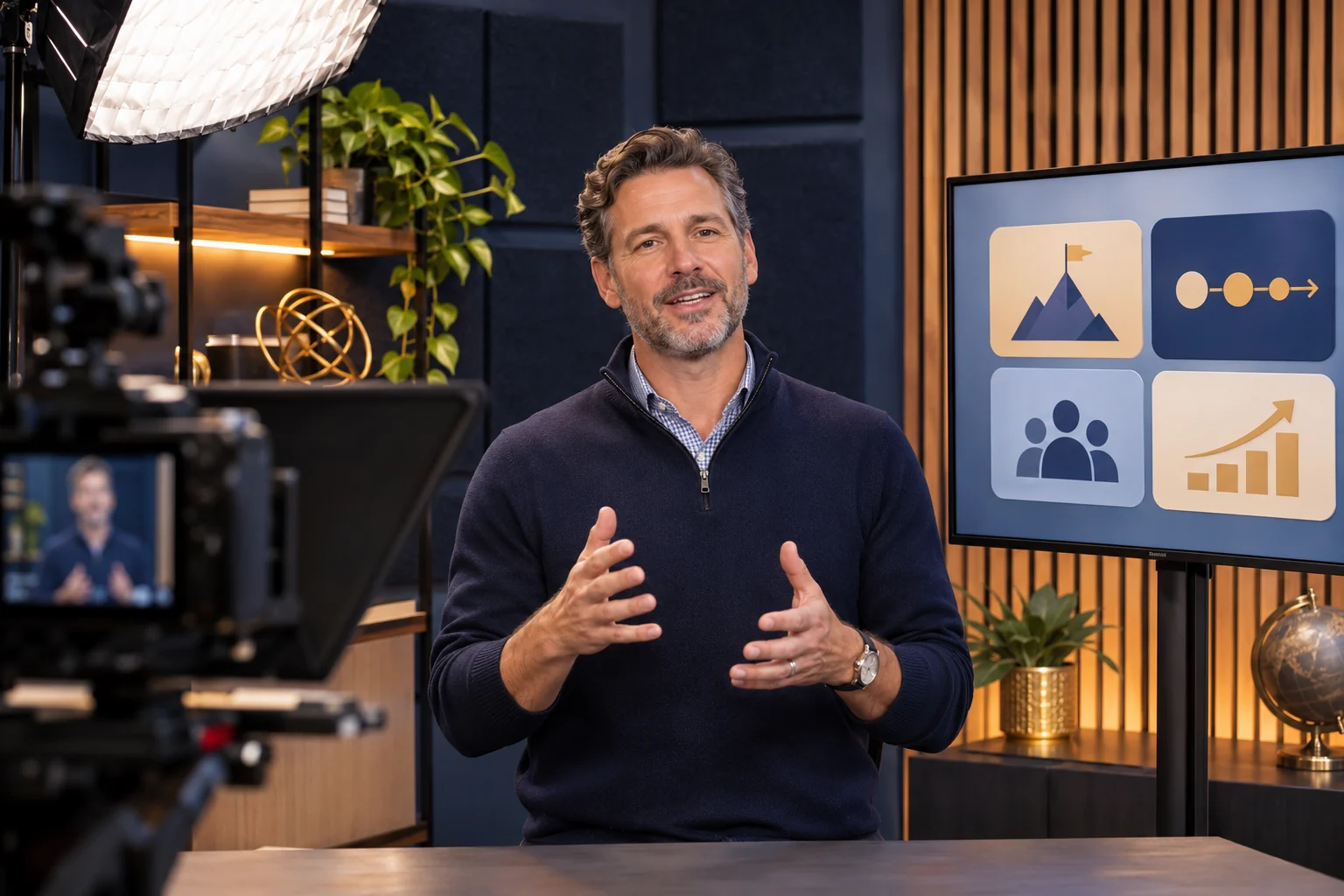
A studio session is valuable for clear introductions, leadership explanations, coaching principles, and consistent presenter-led teaching. Good audio, controlled lighting, and a deliberate shot make the instructor easier to follow. A teleprompter or outline can help the expert stay organized without sounding like a policy document.
Use the studio for what benefits from a clear teacher. Add screen recordings for software, close-up demonstrations for detailed steps, and appropriate on-location footage for physical workflows. A polished talking-head video cannot show a learner everything they need to do with equipment or in a customer environment.
Before filming, approve the lesson outline, terminology, examples, and practical task. Group related lessons into recording sessions and capture each as a separate segment. That makes it easier to revise a single process later instead of rerecording a long presentation.
Plan accessibility at the same time. W3C’s media accessibility guidance covers captions, transcripts, descriptions of important visual information, and accessible players. Review captions for names and specialized terms, and explain essential screen actions aloud.
For production planning, explore online course video production. Discuss the training objectives, filming locations, editing needs, accessibility deliverables, and update process before agreeing on scope.
Give franchisees a clear path through the course
A folder full of recordings is not an onboarding system. The learner needs to know what to do first, what is required before a meeting, how to submit work, and where to get help. Name modules around tasks and stages rather than internal project names.
Choose a delivery platform based on the workflow you need. Test learner access, mobile playback, captions, navigation, assignments, reminders, and reporting. If you need prerequisites, role permissions, or location-level reporting, ask the provider to demonstrate those functions using your sample curriculum.
Separate private training from public marketing. Proprietary operating procedures belong behind appropriate access controls, while an educational article like this can remain publicly discoverable. Decide who manages accounts, updates assignments, and removes access when a person’s role changes.
Publish one obvious help route. When a learner gets stuck, the answer should not be “find whoever scheduled your first call.” A monitored support channel and a named training owner prevent the course from becoming another unattended system.
Launch a small pilot before filming the whole manual
Begin with the repeated lessons that create the most waiting or support demand. Pick a limited onboarding stage and a representative group of new owners. This lets you test whether the course removes a real bottleneck before committing to a large library.
Map the current process. Record the explanations, meeting time, waiting periods, and common questions for that stage.
Choose the first lessons. Prioritize stable material that learners can use immediately.
Produce and review. Have the appropriate expert approve the content and practice task before release.
Run the pilot. Give learners access, clear instructions, a deadline, and a support contact.
Review the evidence. Compare preparation, trainer time, repeat questions, and task quality with the previous process.
Ask learners where they became confused and trainers what they still had to repeat. Revise the instructions or lesson rather than simply adding another video. Once the pilot works, expand to the next high-friction stage.
Measure readiness, not just watch time
Course completion is useful administration, but it is not proof that an owner can operate the business. Define what readiness means for each milestone: an accepted setup, a correctly completed task, a sound explanation, or an observed skill.
Track the date access was granted, the date each milestone was accepted, trainer preparation and delivery time, repeat questions, and support needs after launch. Keep waiting time separate from active learning time. That helps you see whether progress improved because scheduling delays fell or because the instruction itself became clearer.
Compare similar onboarding groups and record what changed. A more experienced franchisee or a simpler location may progress faster for reasons unrelated to the course. Use actual results to improve the program; avoid turning a small pilot into a broad ROI promise.
Keep the library current as the franchise grows
Assign an owner and review date to every lesson. Software changes, brand updates, new service offerings, and revised operating procedures should trigger a content check. A library saves less time when learners follow an obsolete recording and then need help undoing the work.
Maintain a simple register with the lesson title, intended audience, process owner, version, review date, and related documents. When something changes, update the lesson, its transcript, downloads, and assignment together. Tell affected learners what changed and whether they need to repeat the task.
Build maintenance into the production budget. Modular recordings make targeted revisions easier, but they do not remove the need for expert review. The valuable asset is a maintained teaching system, not a one-time batch of files.
Frequently asked questions about franchise video training
Can video courses replace franchise training meetings?
They can replace selected repeatable presentations and prepare learners for shorter reviews. Keep meetings that require decisions, coaching, relationship building, or skill assessment. Decide based on the task rather than a target number of canceled calls.
How much money can a franchise save?
Estimate your own repeated delivery time and genuinely avoidable costs, then subtract production, software, administration, updates, and remaining support. There is no responsible universal savings percentage. Staff capacity and cash savings should be reported separately.
Should franchisees and employees take the same course?
Use shared lessons where responsibilities overlap, then assign separate paths. An owner’s planning and reporting obligations differ from an employee’s daily task training. Role-specific content reduces unnecessary viewing and makes expectations clearer.
What should we record first?
Start with a stable explanation your team repeats frequently and that blocks the next onboarding task. Build a lesson, an example, and a practical assignment. Test it with real learners before producing the entire curriculum.
Turn repeated explanations into a franchise training asset
Your experts should not have to restart the same presentation every time a new location joins. A useful video course gives franchisees a way to begin, revisit the process, and arrive at live conversations prepared. Corporate can spend more attention on exceptions, coaching, and readiness.
Start with the training bottleneck that costs your team the most time. Connect the course with your corporate franchise support model and your location launch process. For a broader production roadmap, review this franchisee and employee video onboarding guide.
Schedule a franchise strategy call to discuss your current onboarding process, repeated meetings, and where a course could support your next stage of growth.
Published November 17, 2026. The workflow and financial example are practical planning recommendations, not guaranteed results. Studio images are illustrative and do not document a named client project.
